Text To Speech Converter
About Text To Speech Converter
The Text to Speech Converter reads your text aloud in a natural-sounding voice and lets you download the audio as an MP3. It supports 21 languages, including US and UK English, Arabic, Spanish, French and German, and it runs in your browser with nothing to install.
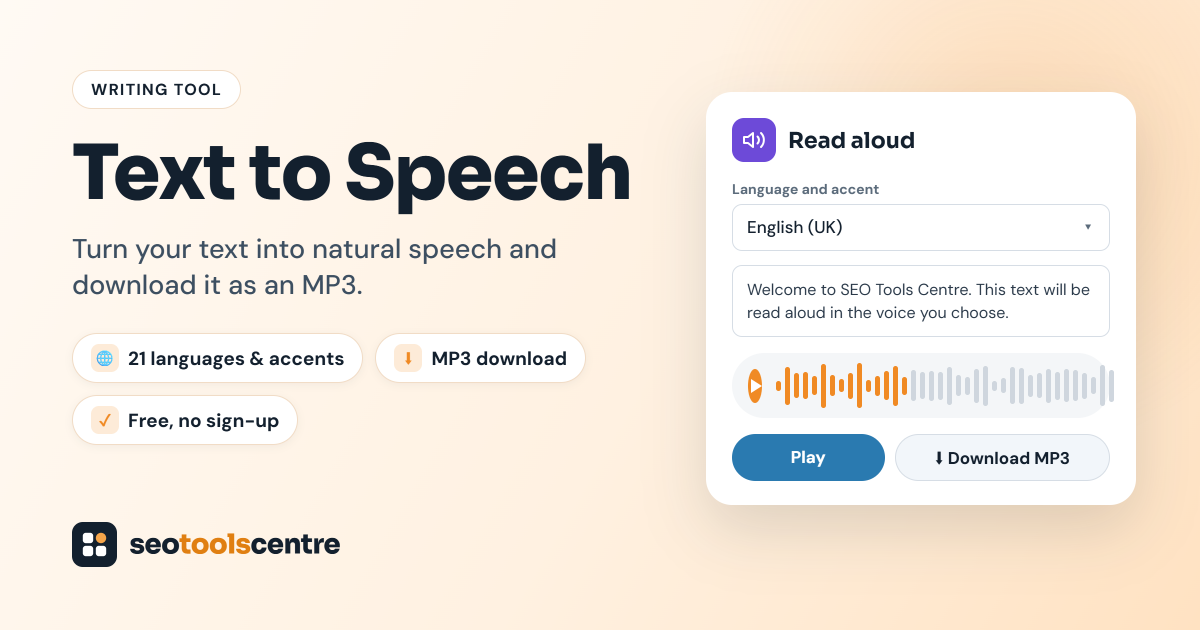
Text to speech is useful for proofreading, for creating quick voice-overs for videos and presentations, for language practice, and for making written content more accessible to people who prefer to listen.
How to convert text to speech
- Choose the language and accent. Pick it from the Language and accent list, for example English (US), English (UK), Spanish or Urdu. Choose the language your text is written in. The tool remembers your choice for next time.

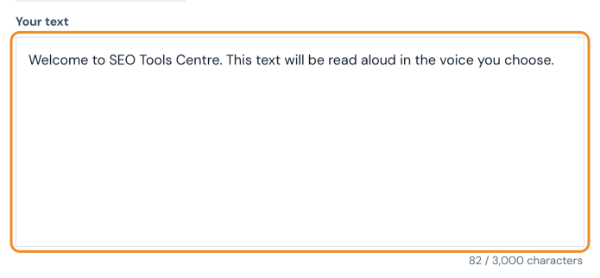
- Type or paste your text. You can enter up to 3,000 characters; the counter under the box shows how many you have used. Punctuation matters: commas and full stops add natural pauses.
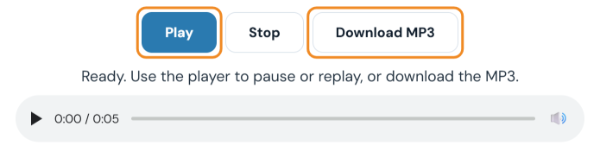
- Click Play, then download the MP3. The audio plays straight away, and a player appears so you can pause, replay or skip through it. Click Download MP3 to save the file. Click Stop to end playback early, edit the text and play it again until it sounds right.
Ways to use text to speech
- Proofreading: hearing your writing read aloud makes awkward sentences and missing words easier to spot.
- Voice-overs: create narration for tutorials, product demos, slides and social videos.
- Learning: listen to the pronunciation of words and phrases in another language.
- Accessibility: offer an audio version of articles for readers who prefer to listen.
Tips for better-sounding audio
Use punctuation to control pacing: commas create short pauses and full stops create longer ones. Spell out abbreviations and symbols the way you want them spoken, and write numbers as words when the pronunciation matters. Split long text into shorter sections so you can review and re-record parts without starting over. Before you publish audio commercially, check that the voice licence allows your intended use.
Text to speech for content creators
Bloggers and marketers use text to speech to turn articles into short audio clips, to create narration for explainer videos, and to test how a script sounds before recording it with a human voice. Listening to a draft also shows where sentences are too long or repetitive. Keep paragraphs short and conversational for the most natural result, and review the audio before you publish it.
Supported languages
The converter supports 21 languages and accents: English (US), English (UK), Arabic, Bengali, Chinese (Mandarin), Dutch, French, German, Greek, Hindi, Indonesian, Italian, Japanese, Korean, Polish, Portuguese (Brazil), Russian, Spanish, Swedish, Turkish and Urdu. Choose text written in the same language as the voice for the most accurate pronunciation. Mixed-language text may be read with the wrong accent, so convert each language separately if your script switches between them.
Frequently asked questions
Is the text to speech converter free?
Yes, it is free to use without signing up.
Which languages are supported?
21 languages, including English (US and UK), Arabic, Spanish, French, German and Greek.
Can I download the audio?
Yes. After playing your text, you can download the result as an MP3 file.
Last updated: